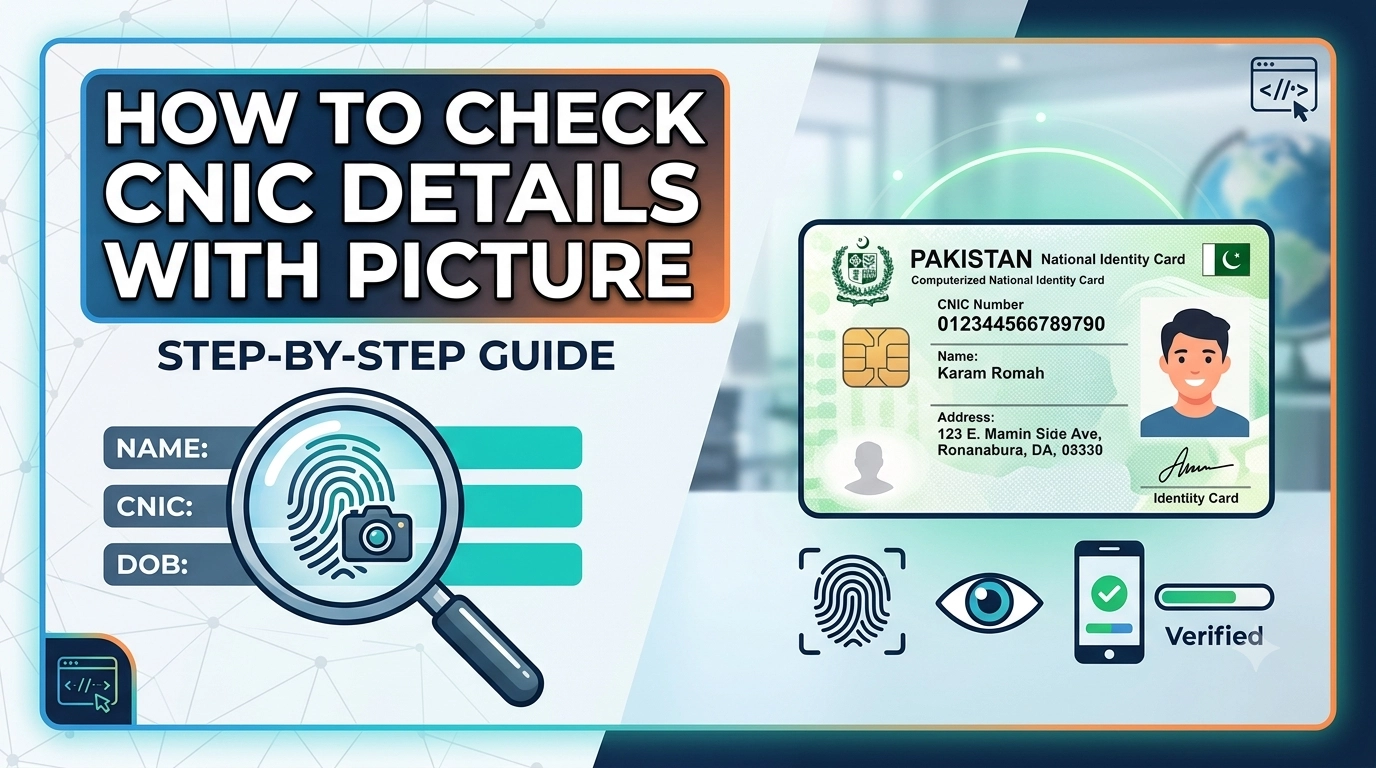
You cannot legally check another person’s CNIC details or photo online. Pakistani law only allows you to view your own CNIC information through official NADRA channels the PakID app, the NADRA SMS service (7000), or by visiting a NADRA Registration Center in person.
Many people search for ways to look up a CNIC number and see the associated photo online. The reasons vary verifying an employee’s identity, confirming a business contact, or checking whether an ID card is genuine. And with dozens of third-party websites and apps claiming to offer this service, it can seem like a straightforward task.
It isn’t. Most of those platforms are scams. Some harvest your personal data. Others are outright illegal under Pakistani law. The reality is that NADRA the National Database and Registration Authority does not provide public access to any citizen’s biometric data, photo, or personal records through open online portals.
What you can do is access your own CNIC details through legitimate, government-approved channels. This guide explains exactly how to do that, what each method gives you, and why you should never trust third-party websites claiming to show another person’s ID card information.
Why You Cannot Legally Check Another Person’s CNIC Details With a Picture
NADRA maintains a centralized database of every registered Pakistani citizen’s biometric information, including fingerprints, photographs, and personal details. This data is protected under Pakistani privacy law and is not accessible to the general public online or otherwise.
Any website, mobile app, or service that claims to let you search a CNIC number and retrieve someone else’s photo and personal information is either a scam or operating illegally. These platforms often:
- Trick users into entering their own CNIC number, exposing their data
- Charge fees for fabricated or falsified records
- Install malware or harvest personal information for fraudulent use
If you need to verify another person’s identity for a legitimate purpose such as employment screening or legal proceedings the correct route is through authorized institutions, legal channels, or NADRA’s official verification services for businesses.
How to Check Your Own CNIC Details With a Picture: Official Methods
How to Check CNIC Details With a Picture Using the PakID App
The PakID app (also known as the Pak Identity Portal) is NADRA’s official mobile application, and it is the only legitimate way to view your own CNIC photo and full details digitally.
Here is how to use it:
- Download the PakID app from the Google Play Store or Apple App Store. Make sure you download the official NADRA-verified version.
- Register or log in using your CNIC number and registered mobile number.
- Complete biometric verification the app will prompt you to perform a live selfie scan to confirm your identity.
- Access your Digital ID vault once verified, you can view your digital CNIC, including your photograph, personal details, and other registered information.
The PakID app is free to download. It is the closest official equivalent to checking your CNIC details with a picture online, and it works entirely through NADRA’s secure infrastructure.
How to Check CNIC Details by Number Using the NADRA SMS Service
If you do not have a smartphone or prefer a simpler method, NADRA’s SMS service offers basic CNIC verification.
- Send your CNIC number (without dashes) as a text message to 7000
- Cost: Rs. 10 + applicable tax per query
- What you receive: Your registered name and your father’s name
This method does not return a photo. It is a quick way to confirm the name linked to a CNIC number, but it is limited in scope compared to the PakID app.
How to Check CNIC Details in Person at a NADRA Registration Center
For more comprehensive verification particularly if you need an official printed record visiting a NADRA Registration Center is the most thorough option.
Bring your physical CNIC to your nearest NADRA office and request one of the following:
- Official verification printout of your registered details
- Family Registration Certificate (FRC), which includes details of all family members registered under the same household
NADRA staff can assist you with identity verification on-site, and the records you receive through this channel carry official weight for legal and administrative purposes.
ID Card Detail Check Online: What Is and Isn’t Possible
To be clear about what each official channel provides:
| Method | Photo Included | Cost | Requires Smartphone |
|---|---|---|---|
| PakID App | ✅ Yes | Free | Yes |
| NADRA SMS (7000) | ❌ No | Rs. 10 + tax | No |
| NADRA Registration Center | ✅ Yes (printed) | Varies | No |
No official online portal currently allows you to type in a CNIC number and retrieve a stranger’s photo. That capability does not exist within legal, NADRA-sanctioned systems.
How to Spot Fake CNIC Verification Websites and Apps
Given the demand for CNIC verification, a large number of fraudulent platforms have emerged. Here is how to identify them:
- They claim to show another person’s photo by CNIC number. NADRA does not offer this to the public. Any site making this claim is not using legitimate data.
- They charge a fee before showing results. Scam platforms often collect payment and return fabricated or empty records.
- They are not hosted on official government domains. Legitimate NADRA services operate under nadra.gov.pk or the official PakID platform. Unofficial URLs are a red flag.
- They ask for excessive personal information. Entering your CNIC, phone number, and address into an unverified site creates serious identity theft risk.
If you have already used such a service, consider reporting it to the Federal Investigation Agency (FIA) Cybercrime Wing at fia.gov.pk.
What to Do If You Need to Verify Someone Else’s CNIC
There are legitimate scenarios where verifying another person’s CNIC is necessary—hiring an employee, processing a financial transaction, or legal documentation. In these cases:
- Ask the individual to verify their own identity through the PakID app in your presence, showing you their digital CNIC directly.
- Request a NADRA-issued FRC or verification letter that the person can obtain and share with you.
- Contact NADRA directly if you represent an organization that qualifies for their official B2B verification services.
These approaches are legal, respectful of privacy, and far more reliable than any third-party platform.
Protect Your CNIC Information
Your CNIC number is sensitive personal data. Treat it with the same caution you would apply to a bank account number. Avoid sharing it on unverified websites, and regularly check your own records through the PakID app to confirm your information is accurate and up to date.
If you suspect your CNIC has been misused or that someone has registered a SIM card or bank account in your name without consent, report the issue to NADRA or the Pakistan Telecommunication Authority (PTA) immediately.
Frequently Asked Questions
Can I check another person’s CNIC details with their picture online?
No. NADRA does not provide public access to another person’s CNIC photo or personal details online. Any third-party website or app claiming to offer this is operating illegally or running a scam.
What is the official app to check CNIC details with a picture in Pakistan?
The PakID app, developed by NADRA, is the only official mobile application that allows Pakistani citizens to view their own CNIC details and photograph digitally. It is available on both Android and iOS.
How do I check my CNIC details by number using SMS?
Send your CNIC number (without dashes) to 7000. You will receive your registered name and father’s name in reply. The service costs Rs. 10 plus tax and does not include a photograph.
Is it free to check CNIC details through the PakID app?
Yes. The PakID app is free to download and use. You will need to complete a biometric selfie scan during registration to verify your identity before accessing your digital CNIC.
What should I do if a website is selling access to CNIC photos and personal data?
Report the platform to the FIA Cybercrime Wing at fia.gov.pk. Accessing or distributing another person’s CNIC data without authorization is illegal under Pakistani law.
Can I get a printed copy of my CNIC details from NADRA?
Yes. Visit your nearest NADRA Registration Center with your physical CNIC and request an official verification printout or a Family Registration Certificate (FRC).